Reference to Video vs Image to Video: What’s the Difference?
Select template
Settings
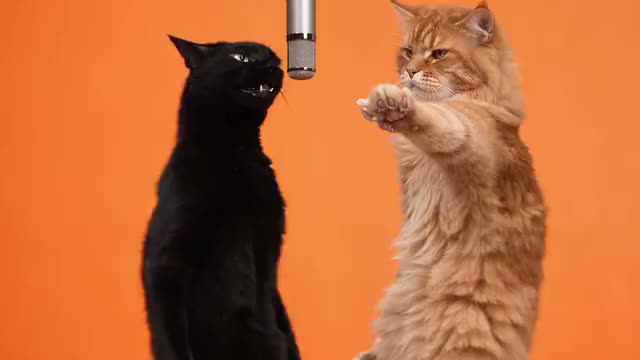 Hotel Lobby15s · 100 credits · Seedance 2.5 · 480p
Both start from your photo. The difference is where the movement comes from.
Updated · By the Remix Motion team
Image to video: the model invents the motion
You give one photo and a prompt such as “she dances and waves at the camera”. The model guesses the rest. That works for simple motion: a smile, a turn of the head, hair in the wind, a slow camera push.
It struggles with choreography. A prompt cannot describe every step and beat, so dances come out generic or stiff, and long timestamped prompts tend to fall apart after a few seconds.
Reference to video: the motion comes from a real clip
Here the model also gets a reference clip. It follows that clip’s moves, timing, framing and camera, and redraws the person from your photo doing them. Many AI dance trends on TikTok are made this way. Every template here runs on Seedance 2.5, which takes reference clips and up to three photos.
The catch on most tools: you have to find a clean reference clip, write the prompt and test settings yourself, and each try costs credits.
Side by side
The short version.
| Image to video | Reference to video | |
|---|---|---|
| You give | A photo and a prompt | A photo and a motion clip |
| Motion comes from | The model’s guess | The reference clip |
| Good for | Simple, slow motion | Dances and exact trends |
| Risk | Generic or stiff moves | A bad clip gives a bad copy |
How Remix Motion templates use both
43 templates copy a real trend clip: the reference, prompt and settings are prepared and tested once, with an example on each page. Dances such as Dip On Em Dance, Two Arms Up Dance and Gas Station Dance work this way.
6 templates are made from your photo and a prompt alone, because the look matters more than exact moves: AI Kiss, AI Twerk, Mei Mei Snow Leopard, Tiny Desk, Zombie Love Story and Zombie Pet.
You never see a prompt or upload a reference clip. If the trend you want is missing, request it with a TikTok link.
A trend without setup
Pick a trend
Its reference and prompt are already set up.
Upload your photo
Knees up or full body, clear face.
Generate
Usually ready in a few minutes.
Tips for any reference tool
Match the framing
A full-body dance needs a full-body photo.
One person per clip
Crowded reference clips confuse who to copy.
Steady camera
Shaky footage gives shaky results.
Plain background
Less clutter, fewer artifacts.
Frequently asked questions
What is the difference between reference to video and image to video?
Image to video invents motion from a prompt. Reference to video copies the moves of a real clip onto the person in your photo.
Which is better for a TikTok dance?
Reference to video: the steps and timing come from a real dance, so the result moves like the trend.
Can I get good choreography from a photo and text alone?
Rarely. Prompts describe a dance only roughly, so moves come out generic. A reference clip gives the model the real steps.
Do I need my own reference clip on Remix Motion?
No. Each template has its reference prepared and tested. You only upload a photo.
Keep exploring
Make your video now
Pick a template above and upload a photo of yourself.